Convert video files into high quality GIF animations with customizable frame rates and color palettes.
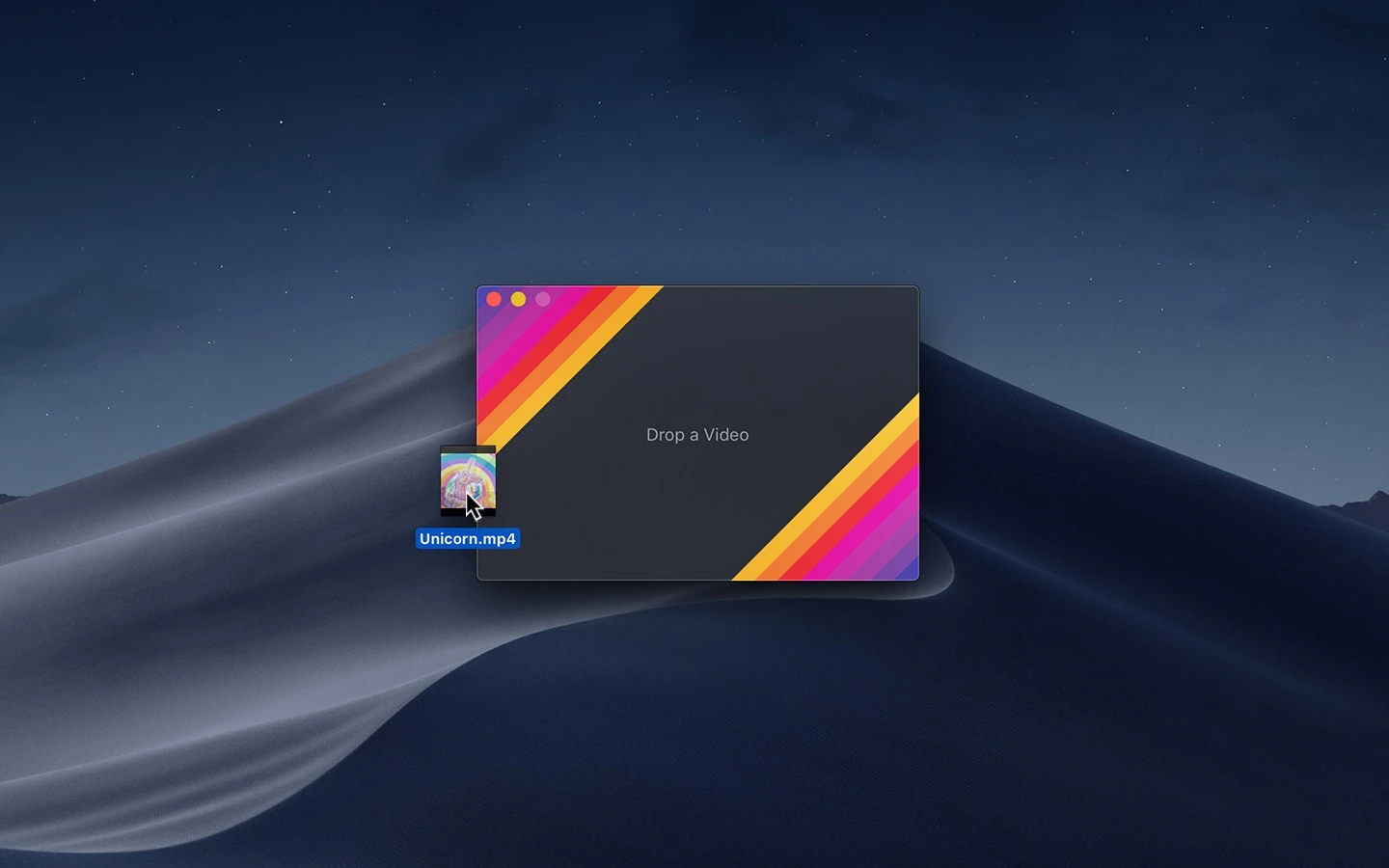
Gifski is an open-source alternative to proprietary video-to-GIF converters for macOS. It provides a graphical interface for the gifski encoder to transform video files into animated GIF images. The application is available via the Mac App Store and as a standalone download for various macOS versions, with legacy builds available for versions as old as macOS 10.13.
The software supports common video formats compatible with macOS, including MP4 and MOV files using H264, HEVC, and ProRes. Users can drag and drop videos into the app to adjust playback settings and export the resulting animation. It is designed for users who need high-quality animations for design portfolios on platforms like Dribbble or for social media sharing.
Key features
- Support for up to 50 FPS to maintain smooth motion
- Temporal dithering and cross-frame palettes via pngquant
- Quality slider for adjusting file size using gifsicle
- Bounce playback option for yo-yo style animations
- Share extension for sending videos from other apps to Gifski
- System service for quick conversion from the macOS Services menu
- Controls for dimensions, speed, frame rate, and cropping
- Support for alpha channels via ProRes 4444 XQ
The application is built with SwiftUI and utilizes the gifski library for encoding. It integrates deeply with macOS system features, allowing users to trigger conversions through Finder Quick Actions or the macOS Shortcuts app. To manage file sizes, the app provides specific tools to reduce dimensions and frame rates, as the GIF format is inherently space inefficient. Users can also use keyboard shortcuts to quickly copy the final GIF to the clipboard or save it to disk.
While the desktop app is exclusive to macOS, the underlying encoder is available as a cross-platform command-line tool for other operating systems. The app is maintained under the MIT license and focuses on providing a high-fidelity output that exceeds the color limitations of standard GIF encoders.
Gifski serves as a specialized utility for creating high-fidelity GIFs from video sources on Apple hardware.
Similar Open Source Software

OpenCut
A browser based video editor that operates without accounts or installations across web, desktop, and mobile platforms.

LosslessCut
Trim, cut, and merge video and audio files without re-encoding to maintain original quality and speed.

Join our newsletter to get shiny new open source software delivered to your inbox. Unsubscribe anytime.