
Record and edit polished product demos with automatic zooms, cursor smoothing, and on-device captions.
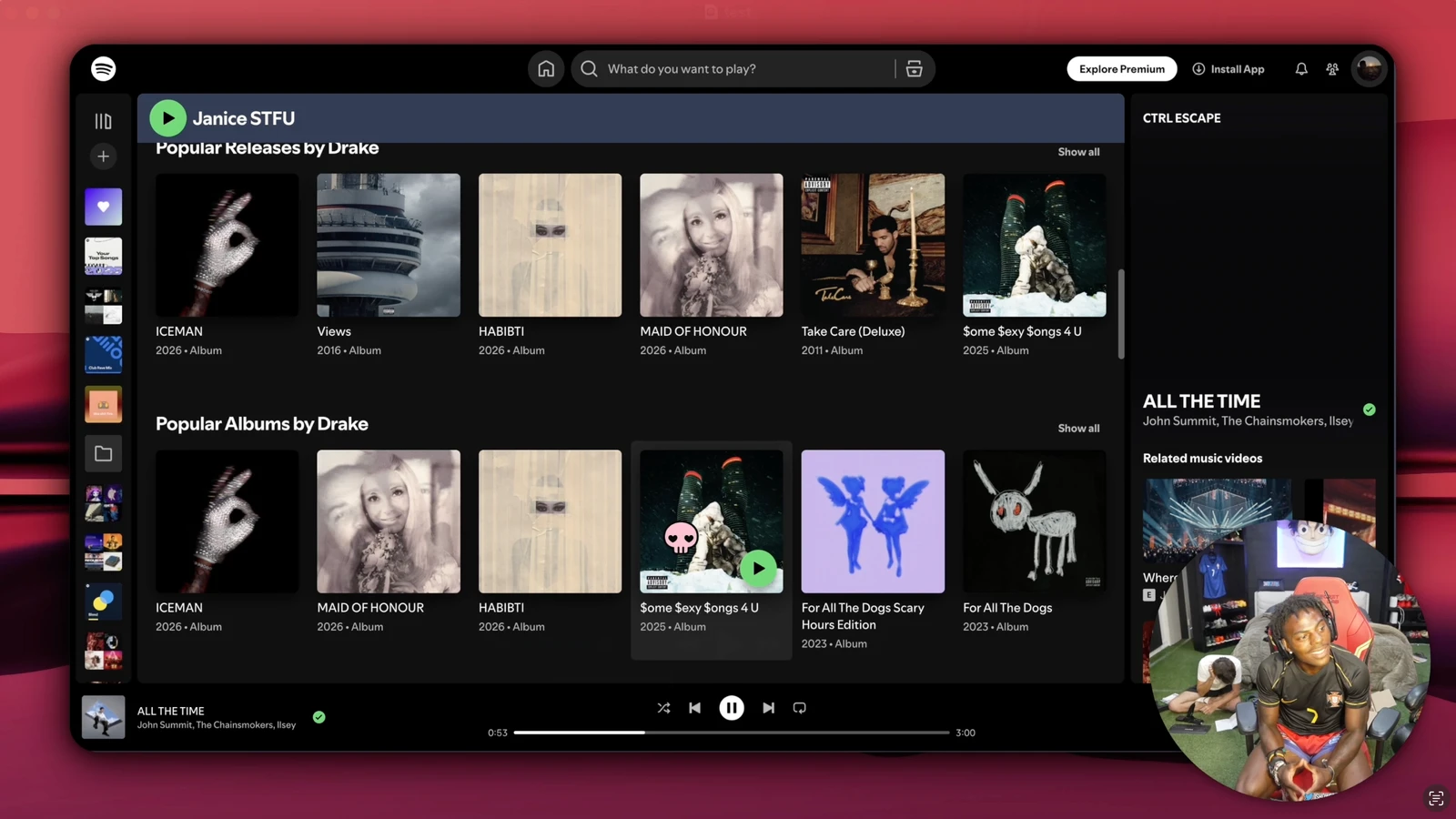
OpenScreen is an open-source desktop app that allows users to create polished product demos and walkthroughs. It provides a suite of tools for capturing screen activity and editing the resulting footage into professional videos suitable for platforms like YouTube, Reddit, and X. The software is designed to eliminate the need for monthly subscriptions or watermarks when producing high-quality software demonstrations.
The application is available for macOS, Windows, and Linux. It can be installed via package managers such as Homebrew for macOS, winget for Windows, and apt for Debian-based Linux distributions. For other Linux environments, it is provided as a standalone AppImage or via NixOS configurations, ensuring broad accessibility across different desktop platforms.
Key features
- Record specific windows or the entire screen with microphone and system audio
- Auto or manual zooms with adjustable depth, duration, and easing
- Webcam overlay with picture-in-picture, mirroring, and shape options
- On-device automatic captions for voiceovers that work offline
- Custom cursor size, smoothing, click effects, and path smoothing
- Timeline editing with crop, trim, and per-segment speed control
- Text, arrow, and image annotations with animation presets
- Background customization using wallpapers, solid colors, or gradients
- Export to MP4 or GIF in multiple resolutions and aspect ratios
Built with Electron and PixiJS, the software handles recording and editing locally on the user's machine. There are platform-specific differences in the capture pipeline: macOS and Windows utilize native APIs for higher quality and precise cursor tracking, while Linux records through a browser-based pipeline. This means certain cursor themes and click effects are only available on macOS and Windows. The editor remains consistent across all platforms, providing the same zoom, motion blur, and annotation tools regardless of the operating system.
OpenScreen serves as a free, community-oriented option for developers and creators who require core demo-recording functionality.
Similar Open Source Software

OBS Studio
Captures, composites, encodes, records, and streams video content for use across various platforms and live streaming providers.

Recordly
Record screen captures and create polished demo videos with automatic zooms, cursor smoothing, and styled frames.

Join our newsletter to get shiny new open source software delivered to your inbox. Unsubscribe anytime.