
A collaborative whiteboard for simultaneous drawing and real time state persistence on a large virtual board.
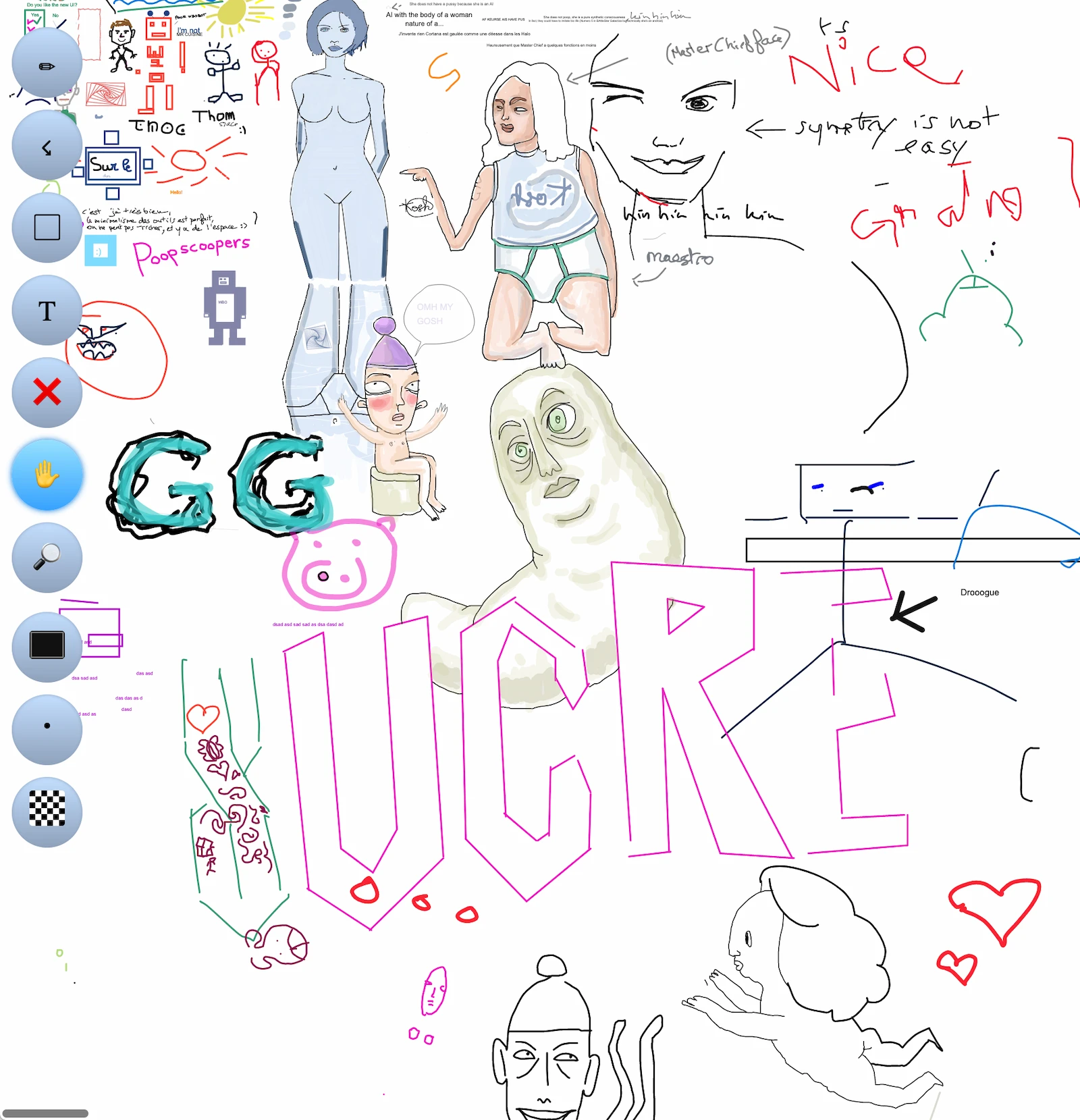
WBO is an open-source, self-hosted application that provides a collaborative whiteboard for simultaneous drawing. It allows multiple users to work together on a large virtual board where updates occur in real time for all connected participants. The software ensures that the state of the board is persisted, allowing work to be saved and resumed across different sessions.
Deployed as a web server, WBO is used for various activities including art, design, entertainment, and teaching. It can be installed directly using Node.js or deployed as a container via Docker. The application is accessed through a web browser, making it a tool for remote collaboration and educational demonstrations where a teacher or presenter can illustrate concepts for a live audience.
Key features
- Real time synchronization of drawings across all connected users
- Persistent storage of board states to prevent data loss
- Support for large virtual canvases
- Authentication via JSON Web Tokens (JWT)
- Role based access control with reader, editor, and moderator capabilities
- Ability to set boards to read-only mode
- Multi-language support through translation files
- Configurable IP-based rate limits for socket writes and actions
The system architecture relies on Node.js and uses SVG files to store board data in a designated history directory. For security and access management, the software implements a capability system where JWT claims determine if a user can open, edit, or clear a board. This allows administrators to restrict specific boards to certain users by adding board-scoped claims to the token payload. It is designed to work behind reverse proxies, with configurable base paths and IP source headers to ensure correct client identification and logging.
Administrators can manage board visibility by either sharing the board URL in instances without authentication or by issuing specific tokens. The software also includes a quarantine system that handles unreadable SVG files, ensuring the server remains stable even if a stored board becomes corrupted. This makes it suitable for environments where long-term persistence of collaborative diagrams and sketches is required.
WBO is positioned as a collaborative drawing tool for educators, artists, and teams requiring a persistent shared workspace.
Similar Open Source Software

Excalidraw
A virtual whiteboard for sketching diagrams, flowcharts, and wireframes with a hand-drawn style and real-time collaboration.

Draw.io
Create flowcharts, network diagrams, and organizational charts using a local desktop editor for visual documentation.


Join our newsletter to get shiny new open source software delivered to your inbox. Unsubscribe anytime.